Fast workflow
The page opens on the input box, so an Instagram video download can begin without extra navigation.
Free online downloader
Start an Instagram video download in seconds with this free online tool. Paste a public Instagram video link and the resolver prepares a clean MP4 file you can keep on your device — no app, no login required.
On iPhone, tap play, then long-press the video and choose Save Video to save it to Photos.
instagram downloads
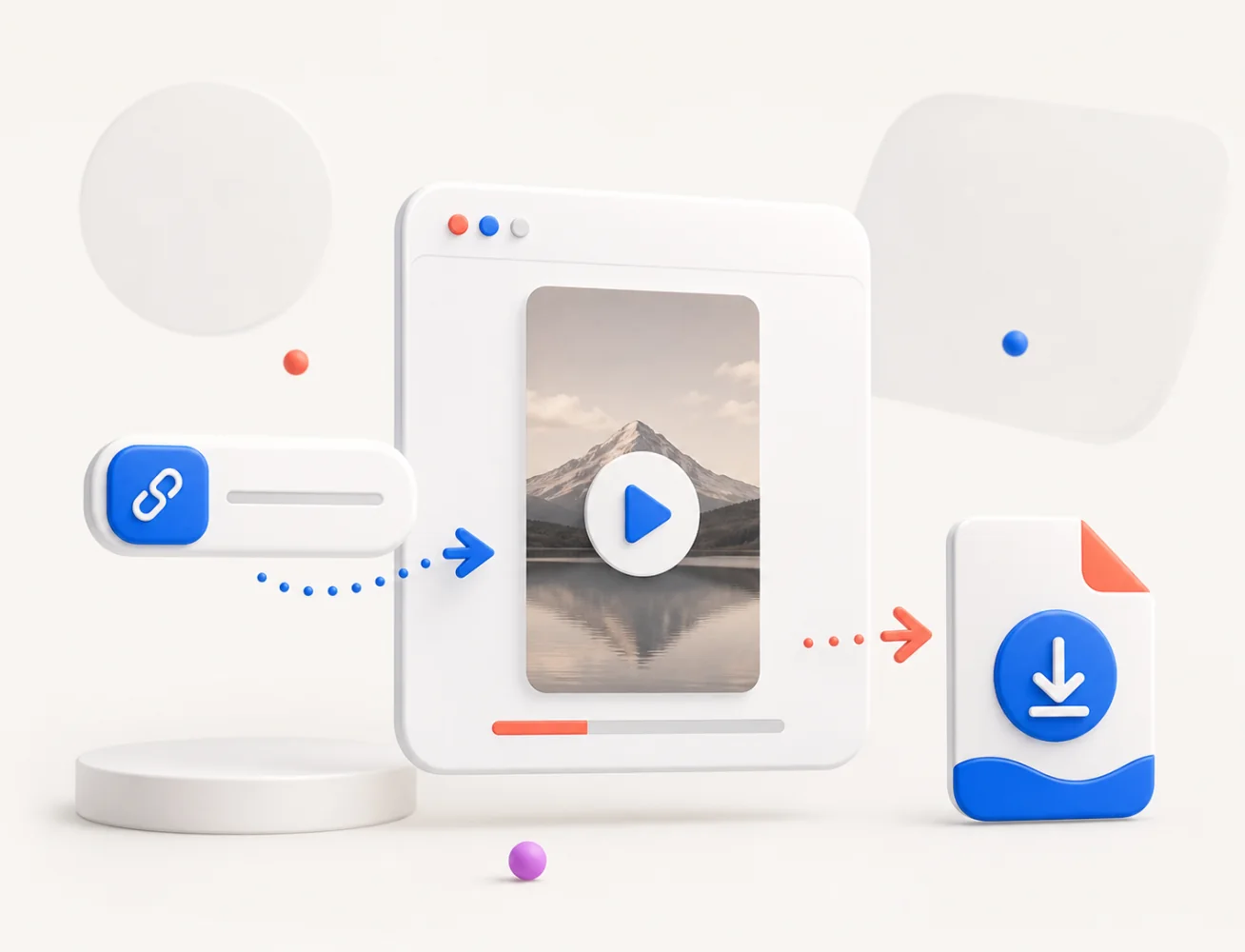
VideoDownload.best is a web-based tool built for one job: Instagram video download. Paste a public Instagram video link and the resolver prepares a clean MP4 result you can save for personal use, with no app and no login.
The workflow stays light on purpose. Open the page on a phone, tablet, or desktop, paste the video link, and keep the MP4 on your own device — clear of notices, ads, or unrelated buttons.
Need a more focused format? Use the Instagram Reels downloader for public Reels or the Instagram photo downloader for public photos and carousel posts.
how to
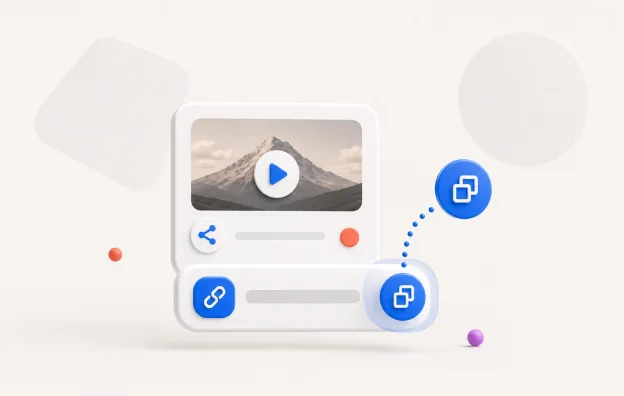
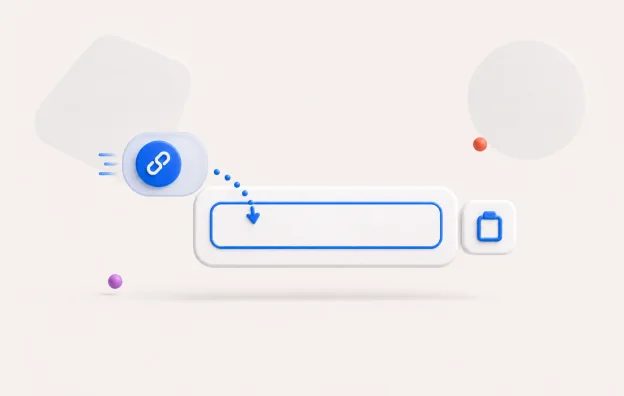
Follow these three steps to complete an Instagram video download from any public post.
A quick tip: copy the link directly from the Instagram share sheet rather than typing it by hand. The share sheet produces the full canonical URL in one tap, which avoids typos and missing shortcodes — the most common reason a paste does not resolve on the first try.
browser use
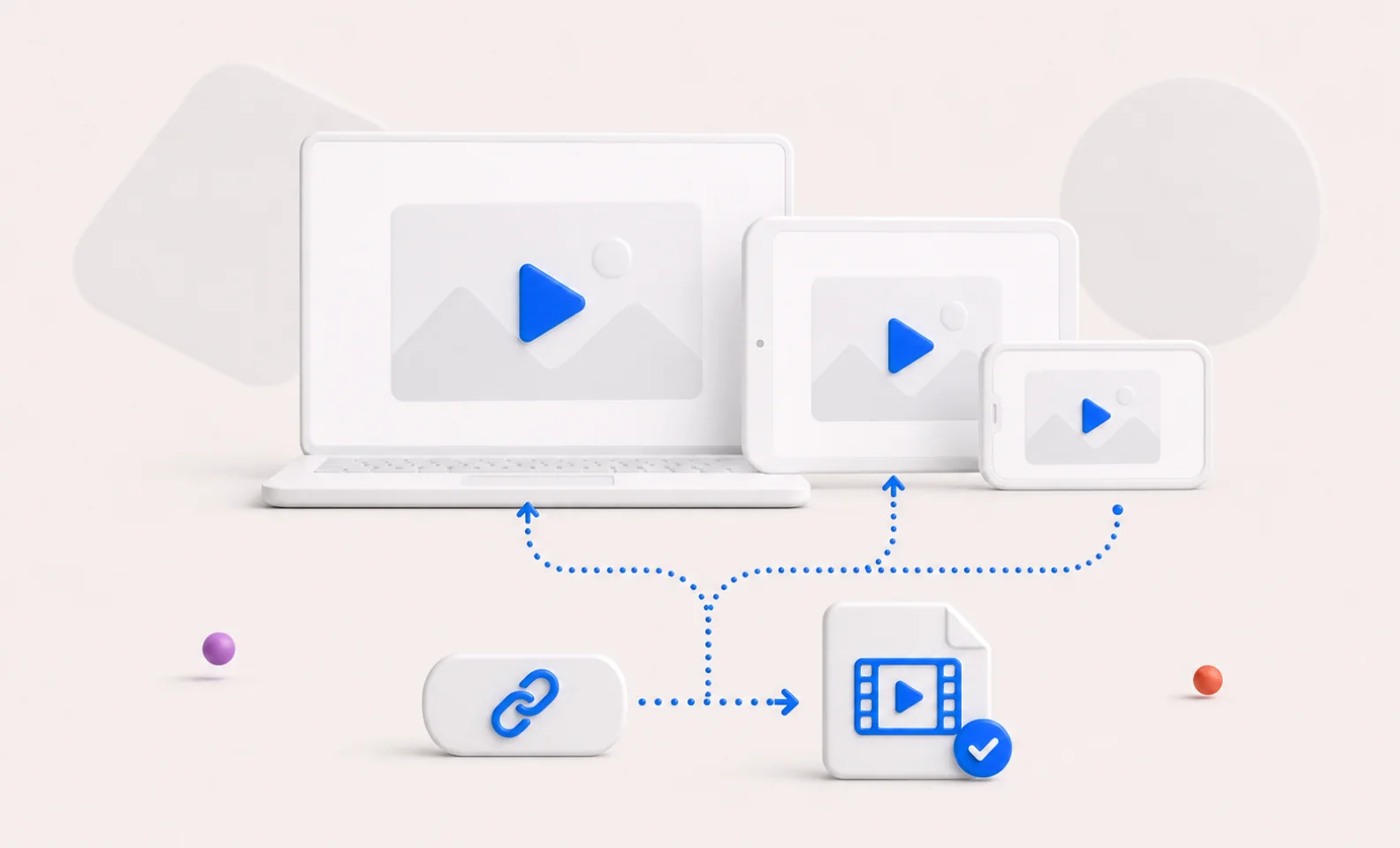
You do not need a separate app or browser extension. Open VideoDownload.best in any modern mobile or desktop browser, paste a public Instagram video link, and keep the MP4 on your own device for lawful personal use.
For the best result, use the original Instagram URL without tracking parameters. Private profiles, login-only pages, paid posts, subscriber-only content, and deleted videos are not supported.
On a phone the saved clip usually lands in the browser's default download location or the system Downloads folder; on a desktop it goes straight to your usual downloads directory. The exact path depends on your device and browser settings, not on this page.
benefits
The page opens on the input box, so an Instagram video download can begin without extra navigation.
Use the Instagram video download tool from a phone, tablet, laptop, or desktop browser without installing software.
When Instagram exposes a public stream, the resolver prepares a clean MP4 result using the available source quality.
No Instagram login is requested. Private, restricted, removed, and blocked sources are not bypassed.
how it works
The downloader follows the public page, watches for playable media requests, and prepares an MP4 result when the media is available. In production, successful results are cached briefly in private Cloudflare R2 storage and served through tokenized download URLs.
Resolve time is usually a few seconds for a fresh link, and faster when a result is already cached from a recent request. If a link fails the first time, waiting briefly and trying again often helps, because the most common cause is short-term rate limiting rather than a permanent problem with the source.
The page is intentionally simple: the input, paste button, download button, result card, and error messages are all part of the main workflow rather than decorative content.
quality
This tool merges the public video and audio streams into a single MP4 file. MP4 is chosen for its broad compatibility: the same result plays on iOS and Android, opens in desktop browsers, and works in default media players without extra codecs or conversion before viewing.
The exact resolution and codec depend on what Instagram serves to the public page at resolve time, so a clip usually matches the quality the uploader published — commonly up to 1080p for standard feed videos. Nothing is upscaled or transcoded to a fixed size on this side.
A successful result card lists the width, height, duration, video codec, audio codec, and estimated file size before you commit, so you can confirm what you are keeping. A typical short clip lands at a few megabytes; longer posts scale up from there in line with the source length and bitrate, with audio preserved alongside the picture.
common errors
/reel/ or /p/ path.legal use
Use this downloader only for Instagram videos you own, videos you have permission to save, or public videos that you are legally allowed to keep for personal use. VideoDownload.best does not encourage copyright infringement and is not affiliated with Instagram or Meta.
Saved clips are meant for personal offline viewing, reviewing your own drafts, or studying a post you have rights to keep. Reuploading, monetizing, or redistributing someone else's content without permission is not what this tool is for.
FAQ
Yes. VideoDownload.best is a free online Instagram video download tool for public videos you own, have permission to save, or are legally allowed to keep for personal use.
No. The tool is limited to public Instagram videos. Private, restricted, removed, login-only, or subscriber-only content is not supported.
A failure usually means the URL is invalid, the video is private or removed, Instagram is rate limiting the resolver, or the post is not a supported public video.
No. VideoDownload.best is independent and is not affiliated with, endorsed by, or sponsored by Instagram or Meta.
The MP4 keeps the public stream that Instagram serves for the post, so the result usually matches the resolution the uploader published — often up to 1080p for standard feed videos. Nothing is upscaled, transcoded to a fixed size, or recompressed on this side.
No extra watermark is added. The resolver keeps the original public media stream as served by Instagram, so what you save is the same clip a viewer sees on the public page, without an overlay or branding from this site.